Advanced Listing
Turn product cards into a better shopping tool: image hover and slider, variant selection with buy button on the listing, manufacturer logo and out-of-stock handling.
In short
- Second image or image slider on product cards
- Variant selection, quantity and buy button in the listing
- Infinite loading and switchable product grid
Features in action
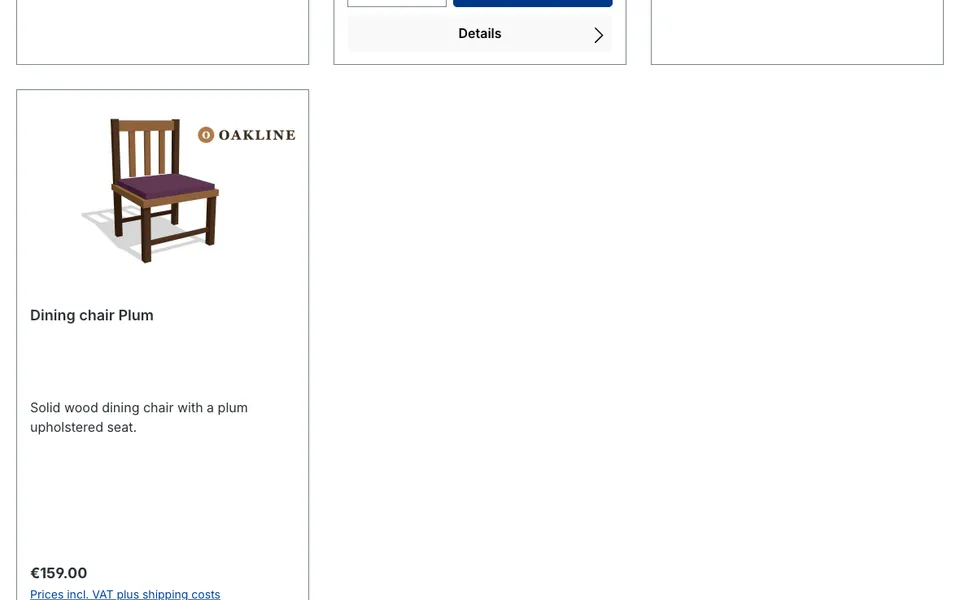
- 1
Second product image on hover with fade or flip animation and adjustable speed
- 2
Image slider on product cards with configurable arrows, dots and autoplay
- 3
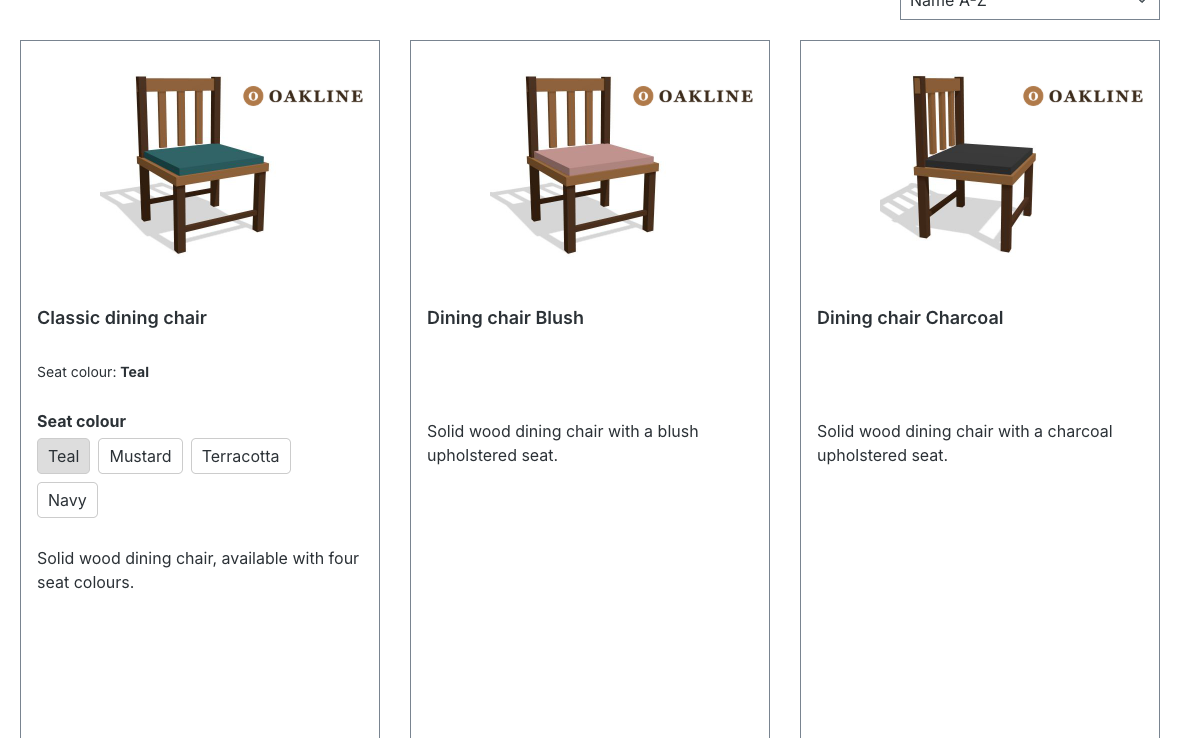
Variants on the product card with selectable property groups and number of options
- 4
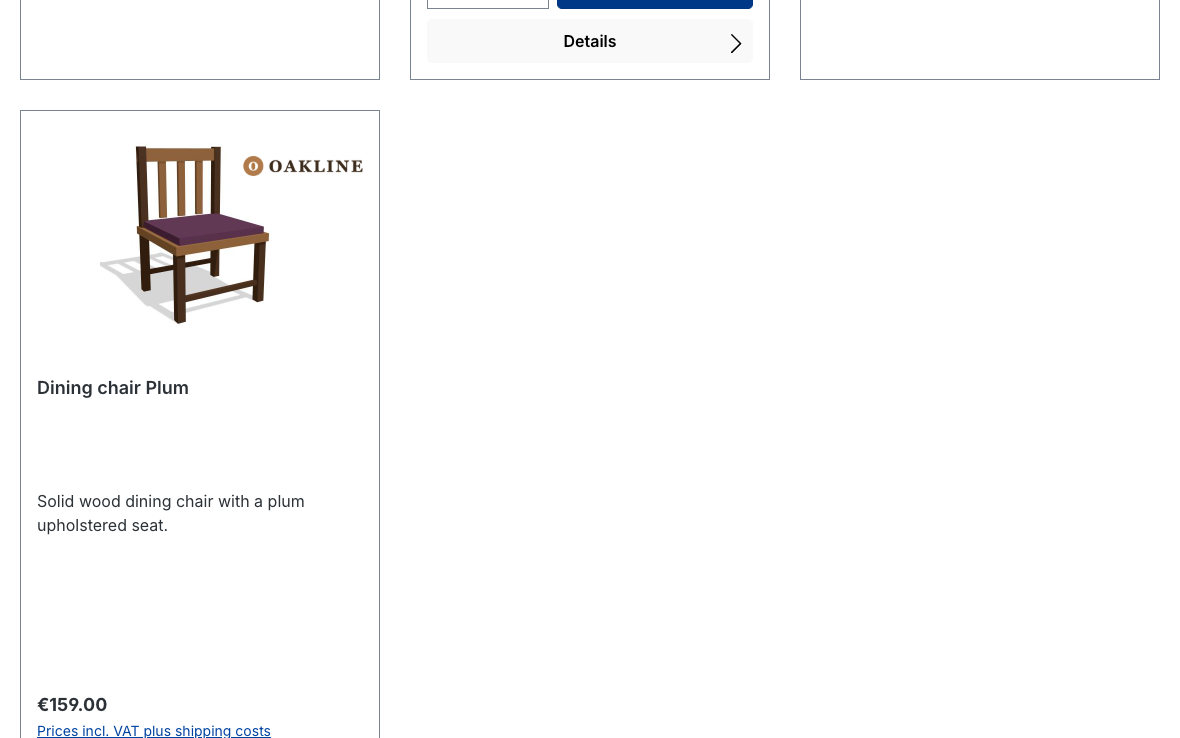
Buy button and quantity selector directly in the listing
- 5
Out-of-stock handling: show normally, hide or move to the end of the listing
Why this extension
Without the plugin
In the standard Shopware listing, a product card shows one image and customers have to open the product page to see other photos, choose a variant or add it to the cart. Advanced Listing extends product cards in category pages, search results and Shopping Experiences, so customers can compare and buy faster without leaving the listing.
With the plugin
The extension combines several listing features in one configuration page. You decide per sales channel which of them are active, how they look and how out-of-stock products are handled.
Screenshots
Configuration step by step
- Install and activate the extension under Extensions › My extensions.
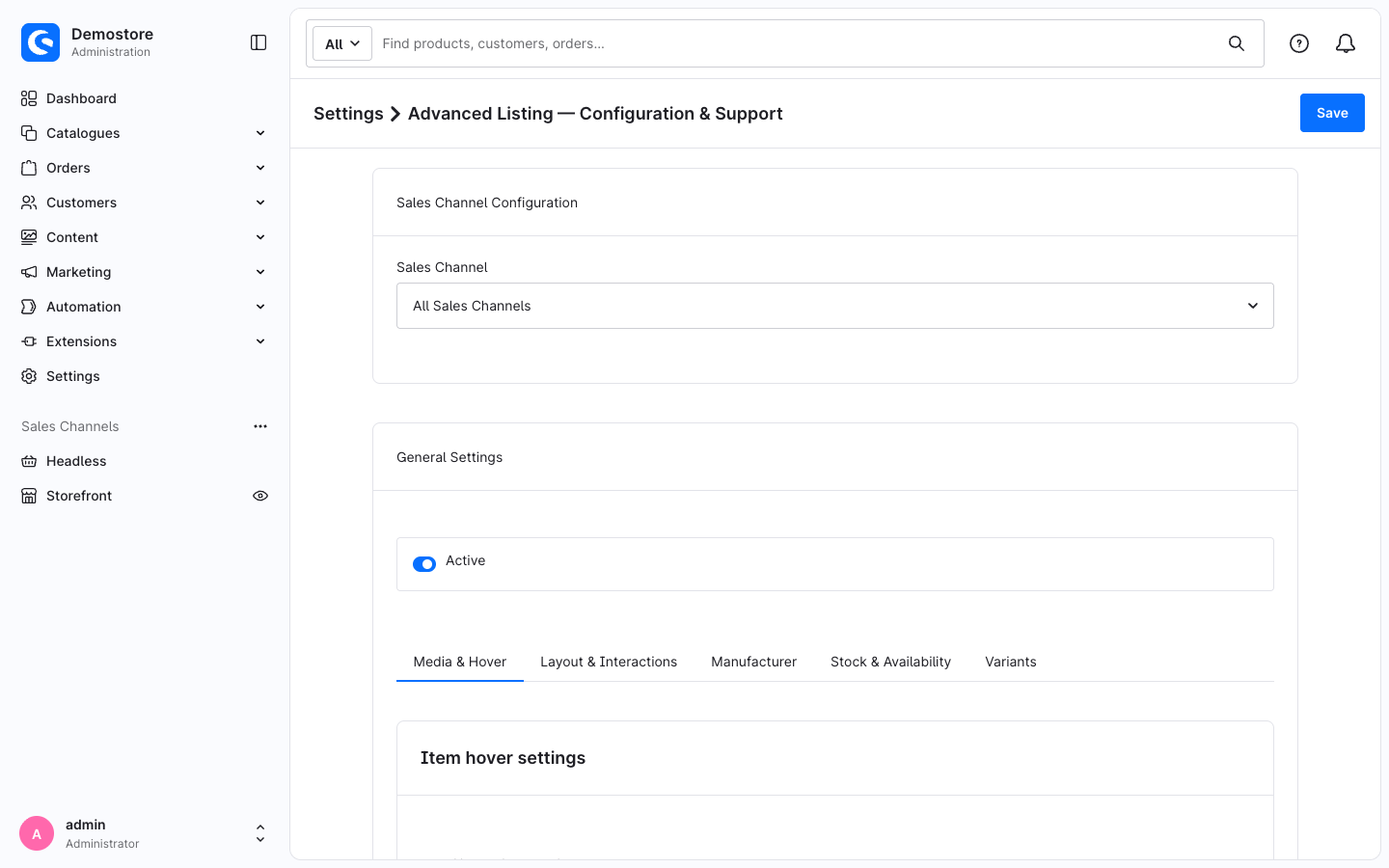
- Open Settings › Extensions › Advanced Listing. Choose All Sales Channels for global settings or a single sales channel to override them.
- On Media & Hover, enable image hover or the image slider and set the animation, speed, arrows, dots and colours.
- On Layout & Interactions, enable the listing grid switch, the clickable product block or the flip description.
- On Manufacturer, enable the manufacturer logo and, if needed, the link to the manufacturer website (requires the Website field of the manufacturer).
- On Stock & Availability, choose how out-of-stock products are handled. On Variants, enable variants on the listing and select the visible property groups, the number of variants and the buy button and quantity options.
- Optional: exclude property groups for a category in Catalogues › Categories in the custom field set Advanced Listing Settings.
- Save and open a category page in the storefront to check the result.
Frequently asked questions
Which Shopware versions are supported?
This version supports Shopware 6.7. A separate version is available for Shopware 6.6.
Can I use different settings for each sales channel?
Yes. Settings can be defined globally and overridden for each sales channel.
Can customers add products to the cart from the listing?
Yes. With variants on the listing enabled, customers can choose a variant and quantity and use the buy button on the product card.
What happens to out-of-stock products?
You choose whether they are shown normally, hidden or moved to the end of the listing.
Does the extension work in Shopping Experiences?
Yes. It supports product listings, product sliders and product boxes in Shopping Experiences.
Does the extension use external services or cookies?
No. The extension uses no external services, fonts or cookies and does not process personal data.
Available in the Shopware Store
Install the extension from the Shopware Store and configure it per sales channel.
View in Shopware StoreAll features
- Second product image on hover with fade or flip animation and adjustable speed
- Image slider on product cards with configurable arrows, dots and autoplay
- Option to show the slider only in listings, not on the product detail page
- Hover effects for single-image products: zoom, square or circle
- Variants on the product card with selectable property groups and number of options
- Buy button and quantity selector directly in the listing
- Variant image change on hover and click
- Out-of-stock handling: show normally, hide or move to the end of the listing
- Property group exclusions per category
- Manufacturer logo on the product card with optional link to the manufacturer website
- Product description shown on hover and clickable whole product block
- Grid switch next to sorting to change the number of products per row
- Infinite loading of further products while scrolling
- Support for listings, product sliders and product boxes in Shopping Experiences
- Configuration per sales channel with inheritance; compatible with Shopware 6.7
Specifications
- Shopware
- 6.7.x
- Version
- 5.1.4
- Type
- Ready to install
- Updated
- 22 Oct 2026
- Admin languages
- English, German
- Requirements
- No other extensions required
- External services & cookies
- None